Table of Contents
Installation Guideline
Testing Instructions
Thank you for reviewing Pickup & Delivery Selector by F2.
Please follow the steps below to install and test the app.
1. Install the App
- Install the app on the development store.
- Complete the app installation process.
- No external account, API key, or third-party service is required.
2. Add the App Block
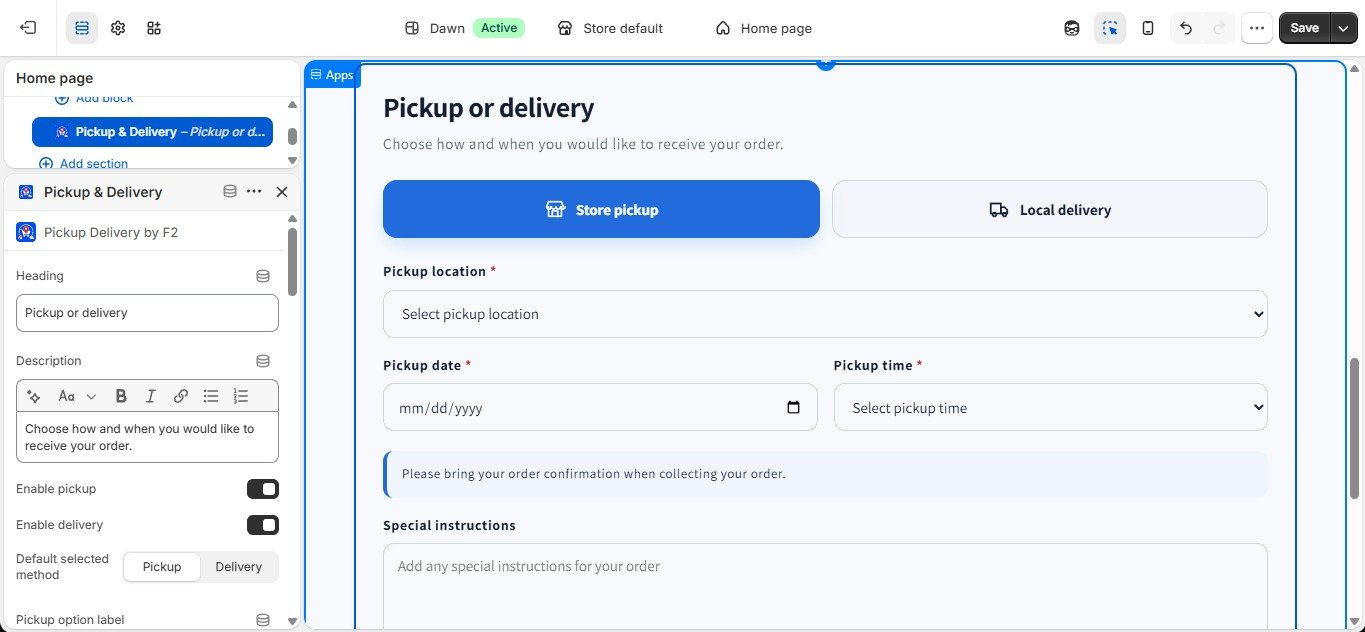
- Go to Online Store → Themes → Customize.
- Open the Cart page template.
- Click Add block and select Pickup Delivery Selector.
- Place the block near the cart and checkout area.
- Save the theme.
3. Configure the App
The app can be configured directly from the theme editor using the available settings.
For regular settings, merchants can enter their information using comma-separated values.
For example:
Pickup Locations
Main Branch, Gulshan Branch, Uttara Branch
Pickup Addresses
Dhanmondi, Gulshan 2, Uttara Sector 7
Pickup Time Slots
9:00 AM – 11:00 AM, 11:00 AM – 1:00 PM
Delivery Areas
Gulshan, Banani, Dhanmondi
Delivery Time Slots
10:00 AM – 1:00 PM, 1:00 PM – 4:00 PM
4. JSON Data
JSON data is not required to install or use the app.
The app UI includes optional CSV to JSON and Data to JSON conversion tools for merchants who prefer to prepare structured data.
Merchants can:
- Convert their own CSV data to JSON.
- Convert manually prepared data to JSON.
- Create their own JSON using the provided demo JSON/template as a reference.
- Use the demo JSON structure to create additional entries with their own data.
When creating JSON based on a demo template, the existing field IDs/keys must remain exactly the same.
For example, if the template uses:
"house"
the key must remain "house". It should not be changed to "home" or another name, because the app uses these keys to identify the corresponding data.
The demo JSON is provided only as a structure/reference. Merchants can replace the sample values with their own information and create additional JSON entries following the same structure.
5. Test the Customer Experience
- Add a product to the cart.
- Open the cart page.
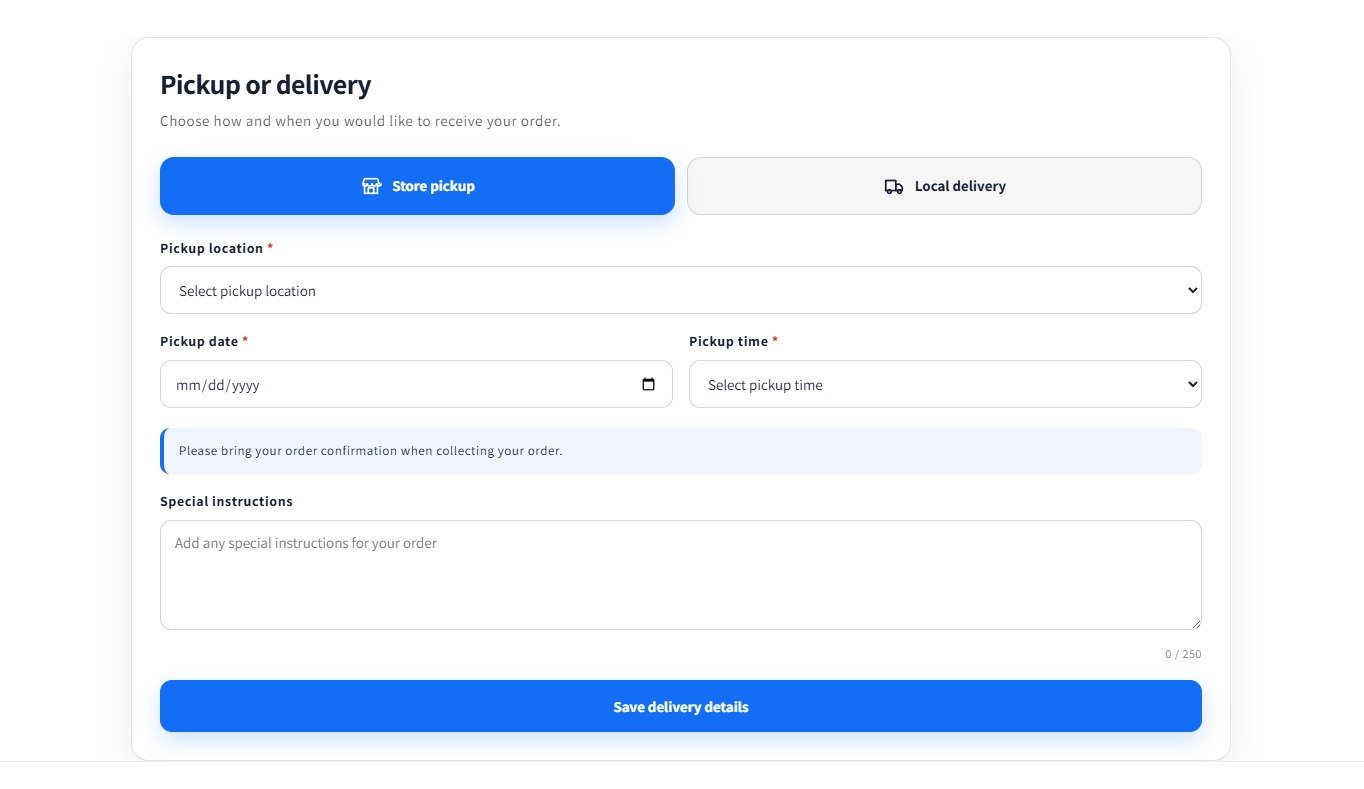
- Select Pickup or Delivery.
- Select the available location or delivery area.
- Select a date and time slot.
- Enter special instructions if required.
- Click Save Details.
- Proceed to checkout and complete a test order.
6. Verify the Order
After completing the test order, open the Shopify order and verify that the selected information is available in the order attributes, including:
- Order Method
- Pickup Location or Delivery Area
- Pickup or Delivery Date
- Pickup or Delivery Time Slot
- Special Instructions
Notes
The app works through a Shopify Theme App Extension. No additional login, external service, API credentials, or JSON data is required for basic installation and use.
JSON is an optional method for merchants who want to manage structured data. When using the provided demo template, keep all field IDs/keys unchanged and only replace or add the corresponding values.
Thank you for reviewing our app.
App Features
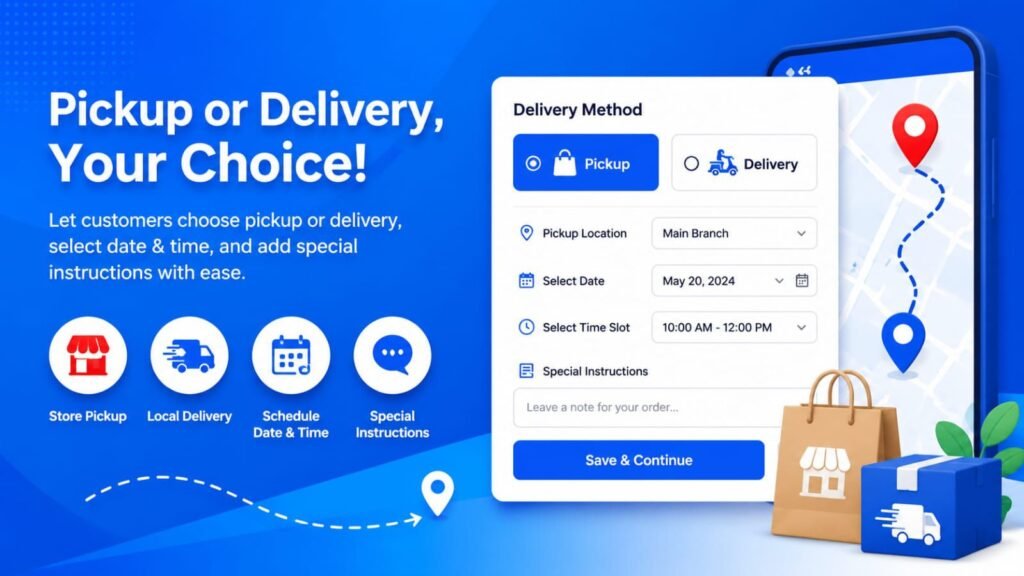
Let customers choose pickup or delivery, select dates and time slots, and save order details at checkout.
Pickup & Delivery Selector by F2 lets customers choose pickup or delivery before checkout. They can select a pickup location or delivery area, choose an available date and time slot, and add special instructions. The app stores the selected details with the Shopify order, helping merchants organize pickups, local deliveries, and order fulfillment while providing a simple and convenient checkout experience.
Features:
Let customers choose pickup or delivery before checkout
Offer pickup and delivery date and time slot selection
Collect special order instructions from customers
Save pickup and delivery details with Shopify orders
Manage pickup locations and delivery areas with simple settings
Apps Demo Screenshots
Support Helpline
If you need Support, please message us on WhatsApp. We will give you a response just in one minute. Or mail to us, Amzadhossen420360@gmail.com Or Contact Our Support Website : https://friends2a-technology.com/fhopify/contact-us/
Whatsapp Number: +8801602438393
Website: https://friends2a-technology.com/