Table of Contents
Installation Guideline
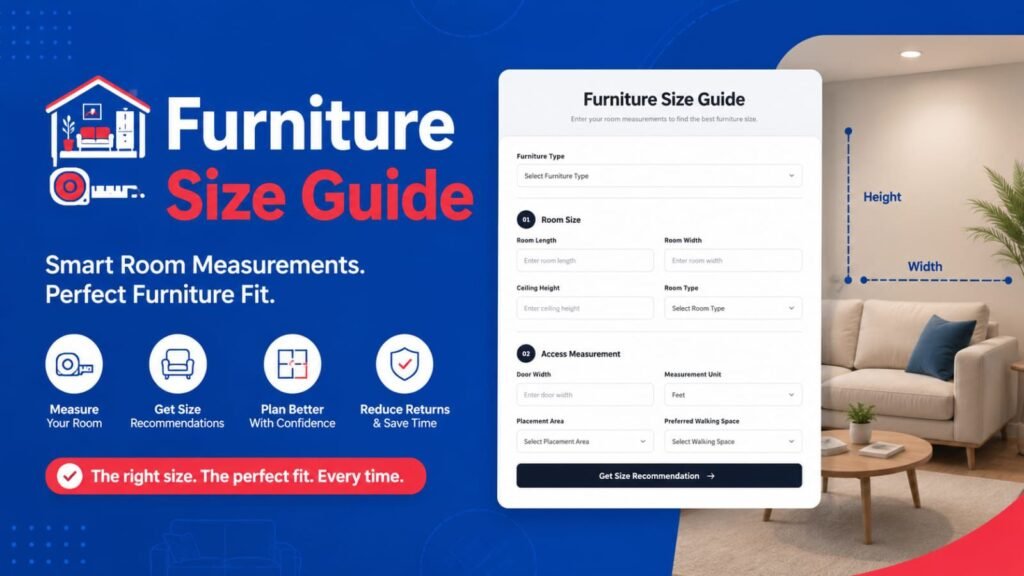
Furniture Size Guide by F2 – Installation & Testing Guideline
Thank you for reviewing Furniture Size Guide by F2.
Furniture Size Guide by F2 is a Shopify Theme App Extension that adds an interactive furniture size recommendation block to your Online Store. The app works directly through the Shopify Theme Editor and does not require any external account, third-party service, API connection, or manual theme-file modification.
Installation
Install Furniture Size Guide by F2 on your development store.
Go to Online Store → Themes.
Click Customize on your active theme.
Open the template where you want to display the size guide, such as a Product Page, Page, or Home Page.
Click Add Block.
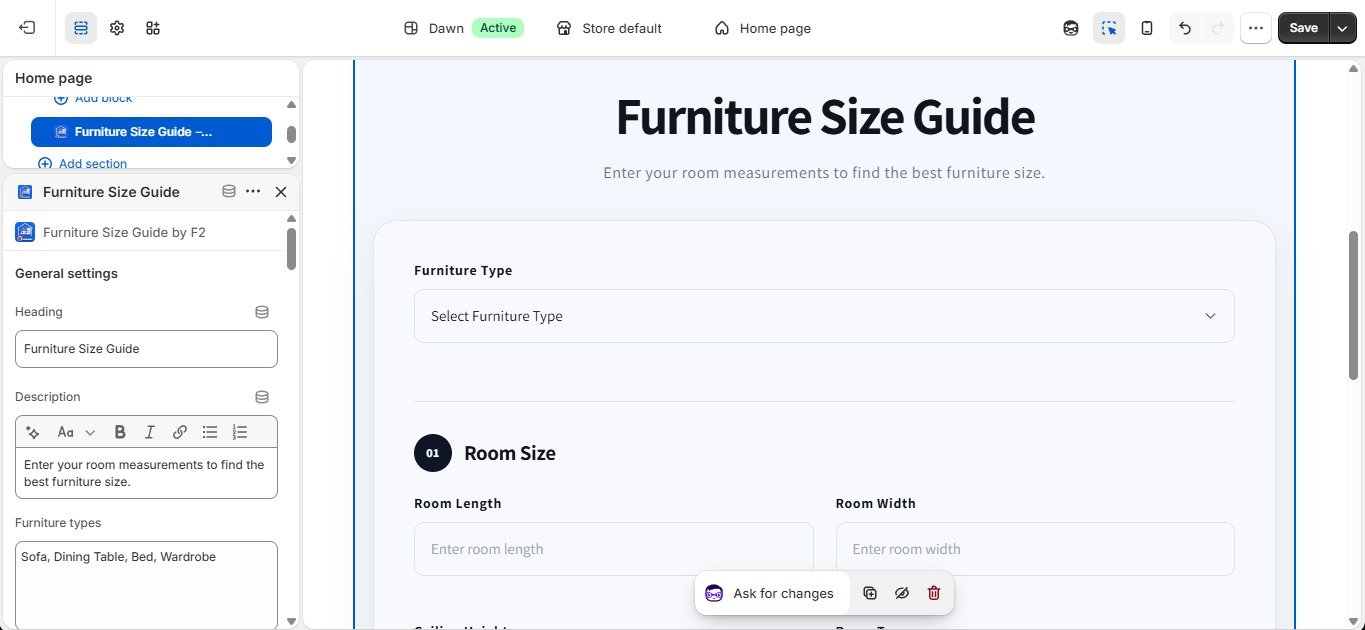
Select Furniture Size Guide by F2.
Configure the available settings if required.
Click Save.
The block can be added, removed, or repositioned from the Shopify Theme Editor without modifying the existing theme files.
Theme Editor Configuration
After adding the block, the available furniture options can be customized directly from the Theme Editor.
The settings allow you to manage values such as:
Furniture Types
Sofa Types
Sofa Seats
Sofa Shapes
Sofa Materials
Table Types
Table Shapes
Table Seating
Table Materials
Bed Types
Bed Sizes
Mattress Types
Bed Materials
Wardrobe Types
Wardrobe Door Types
Wardrobe Users
Wardrobe Materials
Room Types
Placement Areas
Walking Clearance Options
Measurement Units
These values can be updated according to the store’s requirements. After making changes, save the theme and test the block from the storefront.
Important: JSON Data Is Not Required for Furniture Size Guide
Furniture Size Guide by F2 does not require any JSON data to work.
All of the required configuration for this block can be managed directly from the Shopify Theme Editor. Merchants can simply enter or update the available values in the provided settings fields.
The CSV-to-JSON / Data-to-JSON converter available in the app interface is provided as a general data preparation utility for situations where a merchant may need to convert their own data into JSON for other supported use cases. It is not required for the Furniture Size Guide block.
If you ever need JSON data for another supported block or use case, you can:
Convert CSV data to JSON using the CSV-to-JSON converter in the app.
Convert manually prepared data to JSON using the Data-to-JSON converter.
Prepare CSV-to-JSON or other JSON data using ChatGPT or another JSON-compatible tool.
When creating JSON for any other supported use case, please follow the provided demo/template JSON structure carefully.
Important JSON Structure Rule
If a demo JSON/template is provided, the same field names and structure should be maintained.
For example, if the template contains an ID such as:
"id": "house"
then the ID should remain house when creating the corresponding data structure.
Do not change the expected ID from house to another value such as home, unless the specific template/documentation says that the ID can be changed.
The demo JSON should therefore be treated as a structural reference. When creating additional JSON data, follow the same field names, IDs, nesting, and overall structure while adding the required new entries.
Again, this JSON preparation process is not required to test or use Furniture Size Guide by F2.
Frontend Testing
After saving the theme:
Open the storefront.
Navigate to the page containing the Furniture Size Guide block.
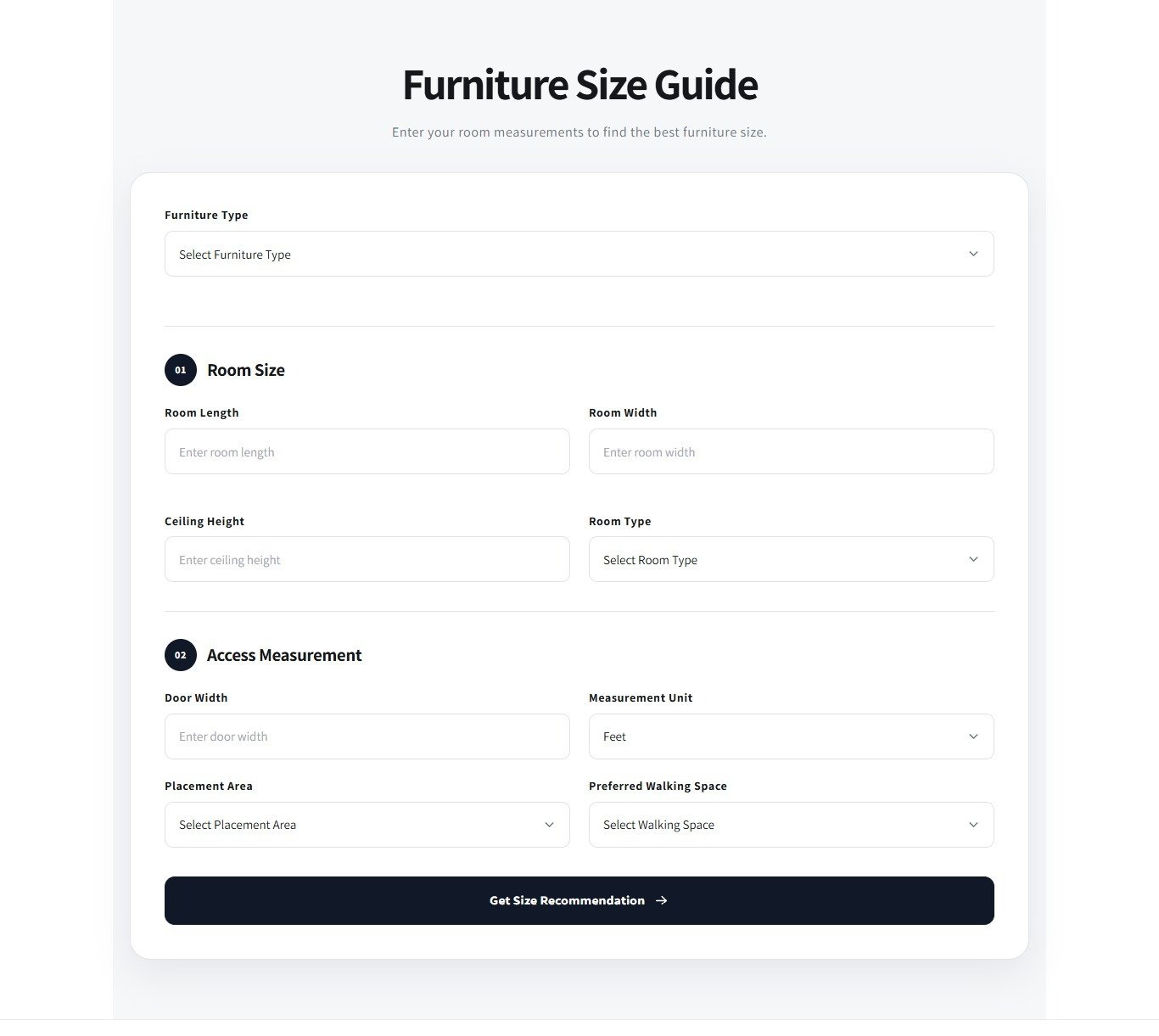
Select a furniture type, such as:
Sofa
Bed
Dining Table
Wardrobe
Select the available related options.
Enter the required room measurements.
Select the preferred measurement unit.
Select any other available options.
Click Get Size Recommendation.
The app should then display the appropriate recommendation, including:
Recommended furniture size
Minimum walking space
Maximum safe size
Placement tips
The available options and recommendations may vary depending on the furniture type and values configured in the Theme Editor.
Testing Notes
Please verify that:
The block can be added successfully from the Theme Editor.
The block saves correctly.
Furniture types and related options appear correctly.
Room measurements can be entered successfully.
Measurement units work correctly.
The Get Size Recommendation action works as expected.
The recommendation and placement information are displayed correctly.
The block works correctly on the storefront after saving the theme.
Important Notes
No customer account is required.
No external account is required.
No third-party API or service is required.
No JSON data is required for Furniture Size Guide.
All Furniture Size Guide configuration is managed directly through the Shopify Theme Editor.
The app does not modify existing theme files.
The block can be added, removed, or repositioned at any time.
Removing the block does not affect the existing theme.
The CSV-to-JSON and Data-to-JSON tools are optional utilities and are not required for Furniture Size Guide testing.
Thank you for reviewing Furniture Size Guide by F2. We appreciate your time and feedback.
App Features
Recommend the right furniture size using room measurements for confident buying.
Furniture Size Guide by F2 helps customers choose furniture that fits their available space before purchasing. By using room measurements, furniture type, and placement preferences, the app provides practical size recommendations and placement guidance. Merchants can easily customize furniture categories and options from the theme editor using simple comma-separated inputs, creating a better shopping experience and helping customers make more informed purchase decisions.
Features:
Smart furniture size recommendations based on room measurements
Customizable furniture categories and options from the theme editor
Dynamic size guidance for sofas, beds, tables, and wardrobes
Placement and walking space recommendations for better room planning
No coding required with simple comma-separated option management
Apps Demo Screenshots
Support Helpline
If you need Support, please message us on WhatsApp. We will give you a response just in one minute. Or mail to us, Amzadhossen420360@gmail.com Or Contact Our Support Website : https://friends2a-technology.com/fhopify/contact-us/
Whatsapp Number: +8801602438393
Website: https://friends2a-technology.com/