Friends2a Technolgy Payment Icons
Friends2a Tech Payment Icons – Installation Guide
Step 1: Install the App
1. Go to the Shopify App Store and click Install app.
2. Approve installation in your Shopify admin .
3. Once installed, the app will appear under Apps → Friends2a Tech Payment Icons .
(Note: This is a Theme App Extension, so settings will appear in your Theme Editor — not as an embedded app.)
Step 2: Open the Theme Editor
1. In your Shopify Admin , go to:
Online Store → Themes → Customize
2. The Theme Editor will open for your active theme.
Step 3: Add the Payment Icons Block
1. In the Theme Editor left sidebar, scroll to the Footer area.
2. Click Add section (or Add block, depending on theme layout).
3. Go to the Apps tab.
4. Select Friends2a Tech Payment Icons.
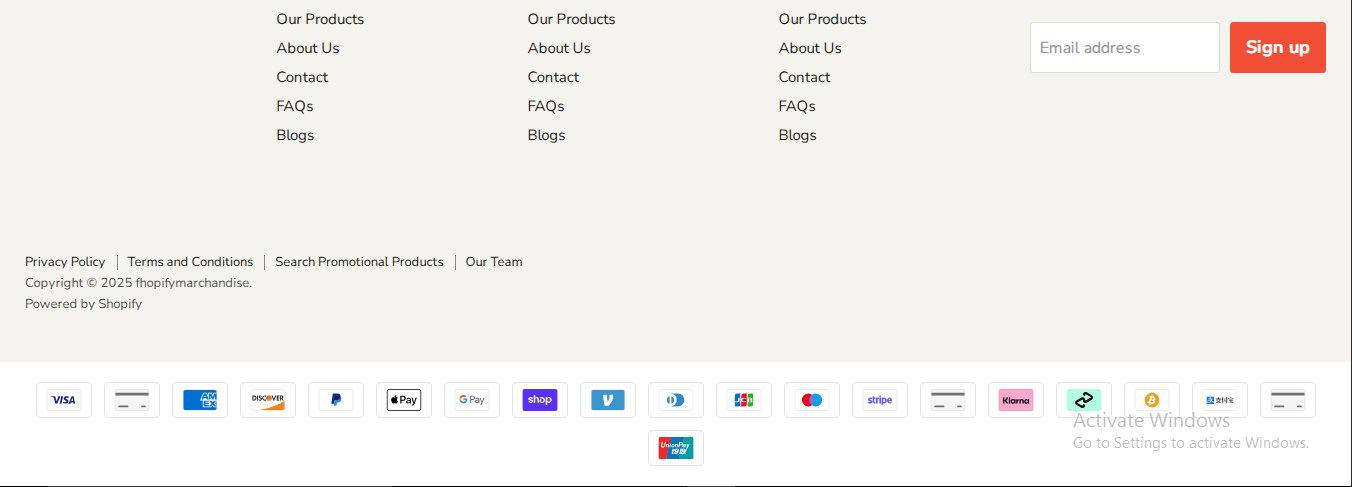
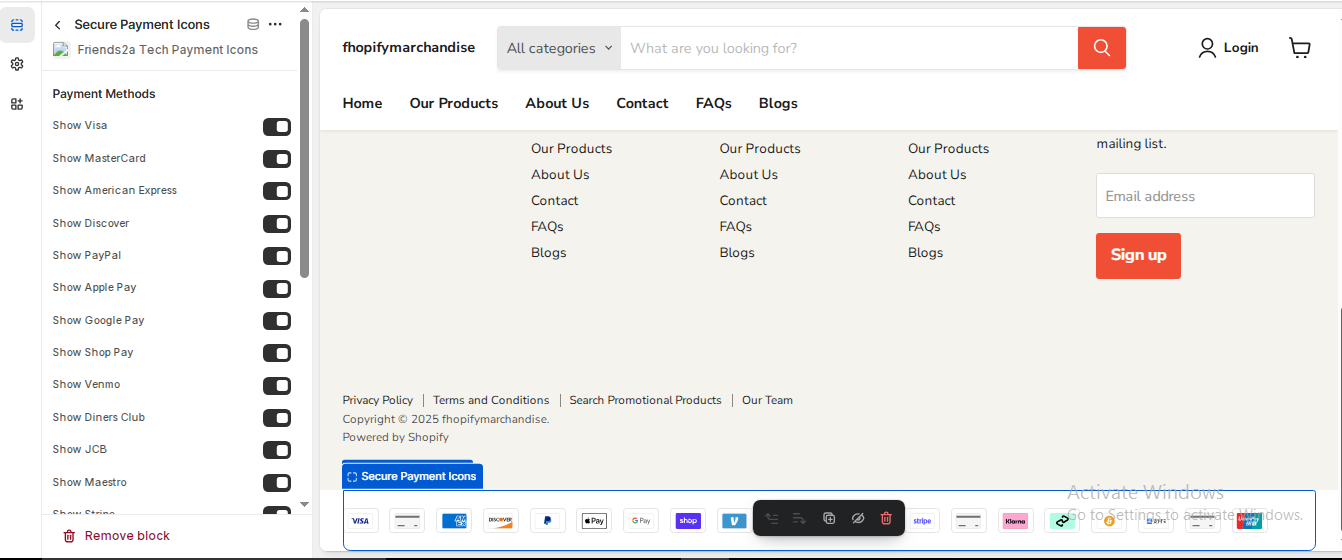
→ A new Secure Payment Icons” block will appear inside your footer.
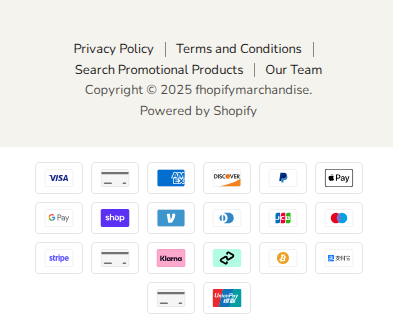
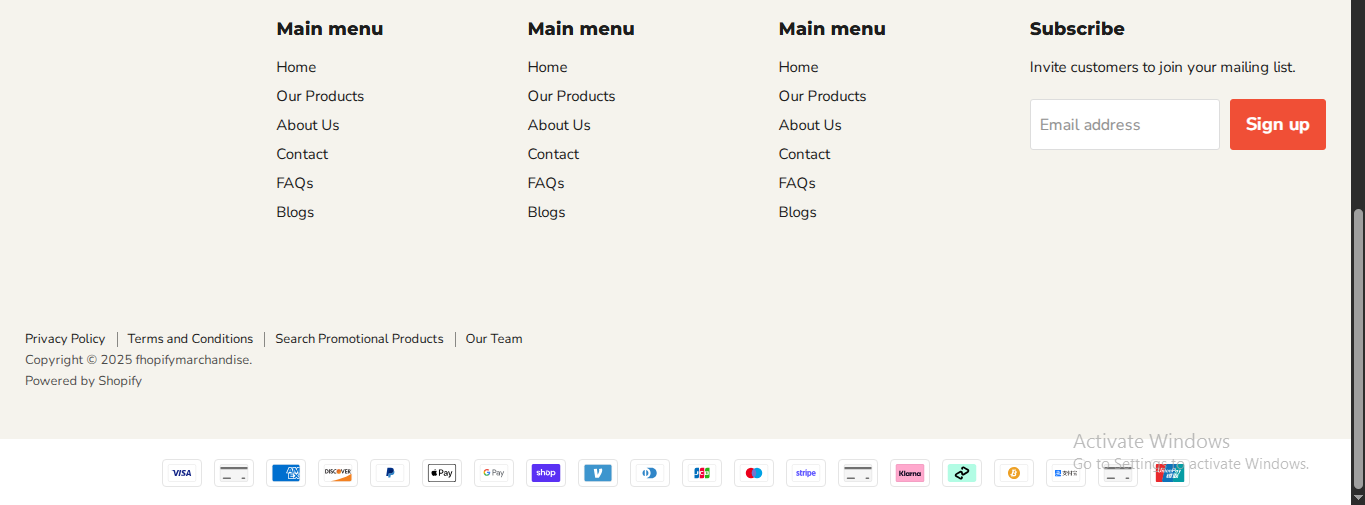
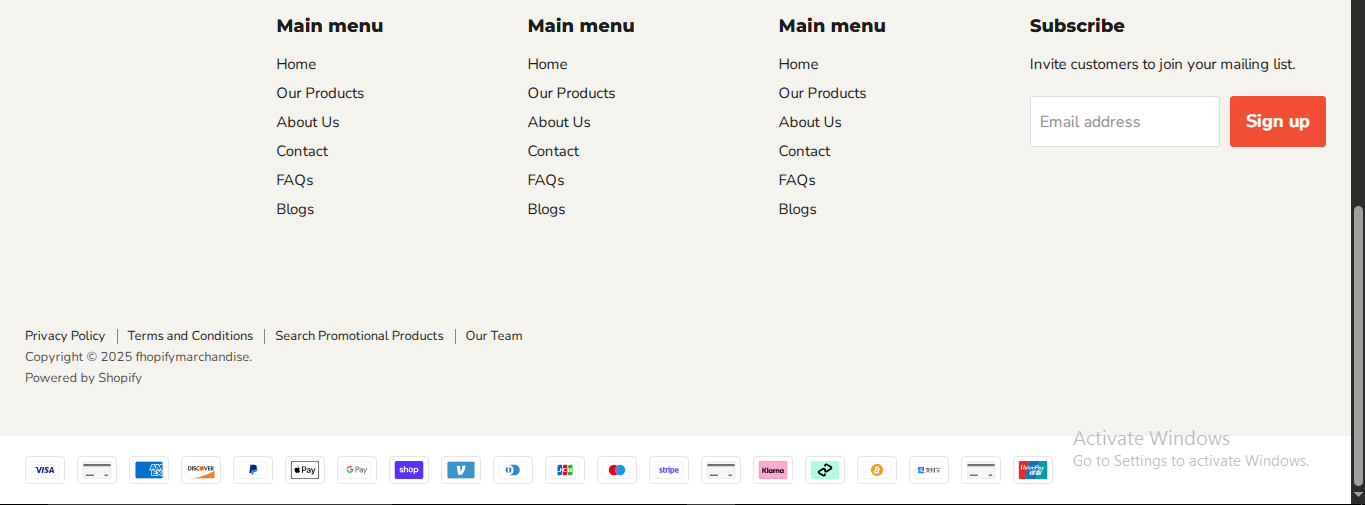
Example:
You’ll see options like Show Visa, MasterCard, PayPal, Google Pay, Apple Pay, Shop Pay, etc.
Step 4: Customize Your Icons
1. Click the Friends2a Tech Payment Icons block to open settings.
2. Toggle ON/OFF the payment icons you want to show.
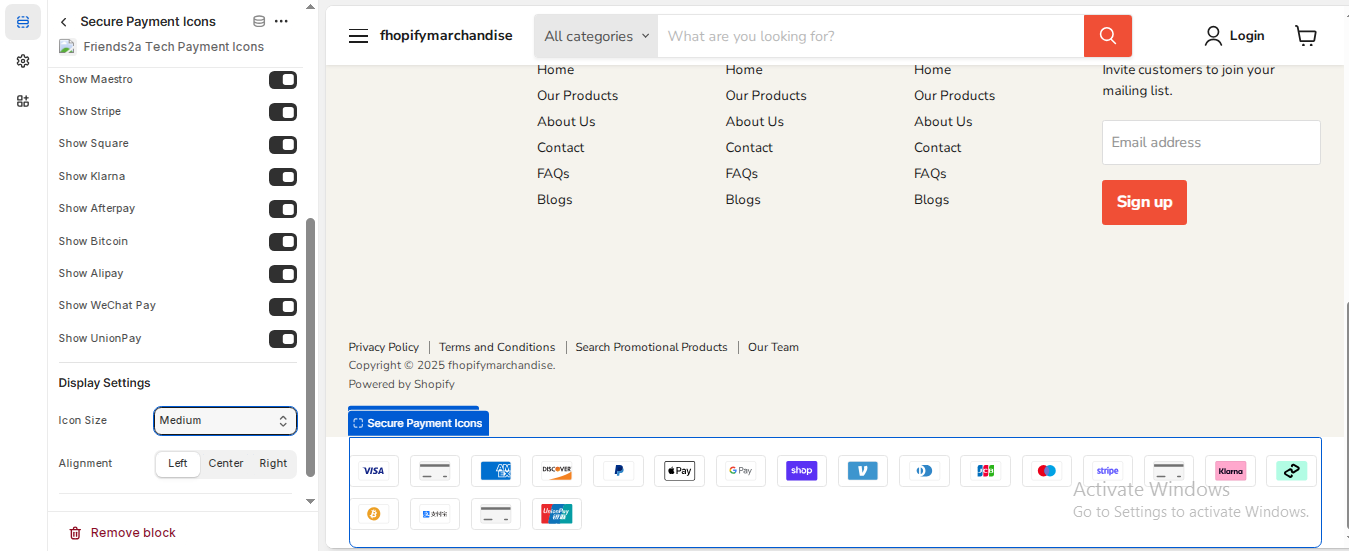
3. Under Display Settings, you can:
Adjust Icon Size (Small, Medium, Large)
Change Alignment (Left, Center, or Right)
4. Click Save to apply your settings.
Step 5: Save & Preview
1. Click Save on the top-right of the Theme Editor.
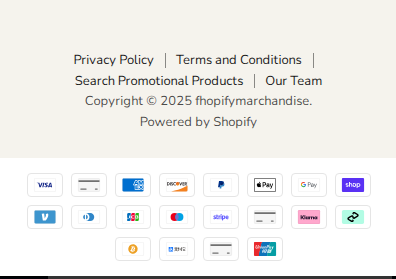
2. Open your storefront preview — you’ll now see the Secure Payment Icons beautifully displayed in your footer.
If you need Support, please message us on WhatsApp. We will give you a response just in one minute. Or mail to us, Amzadhossen420360@gmail.com Or Contact Our Support Website : https://friends2a-technology.com/fhopify/contact-us/
Friends2a Tech Payment Icons lets you display 15+ trusted payment method icons including Visa, MasterCard, PayPal, American Express, Apple Pay, Google Pay, Shop Pay, Bitcoin, Klarna, and more. These professional badges boost customer trust and improve conversion rates. Easily customize layout, color, and alignment using Shopify’s Theme Editor—no coding required. Lightweight, responsive, and optimized for desktop and mobile performance.
Feature 1:
Show 15+ Payment Icons – Visa, PayPal, Apple Pay, Klarna, Bitcoin, and more.
Feature 2:
Customizable Layout – Control icon order, size, color, and alignment.
Feature 3:
Boost Store Credibility – Display payment trust badges for more conversions.
Feature 4:
No Code Setup – Add and edit directly from Shopify Theme Editor.
Feature 5:
Responsive Design – Icons look perfect on desktop, tablet, and mobile.
Feature 6:
Lightweight & Fast – Doesn’t affect page loading speed.
Feature 7:
Supports Popular Gateways – Integrates with 15+ global payment providers.
Feature 8:
Flexible Placement – Add to footer, product page, or checkout area.