Table of Contents
Installation Guideline
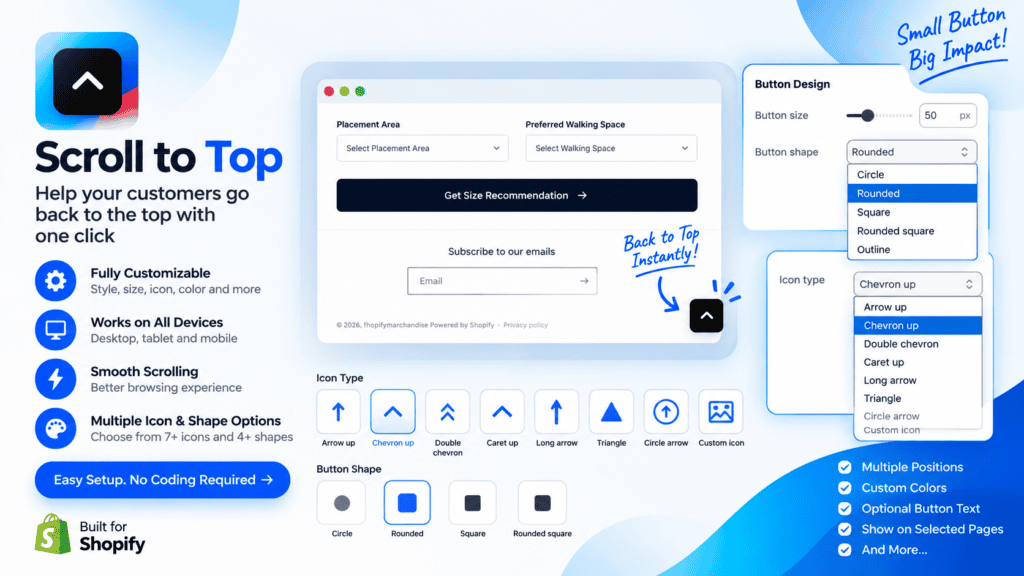
Scroll to Top — Installation Guide
Step 1: Install the App
Install Scroll to Top from the Shopify App Store and open the app from your Shopify admin.
The app works through Shopify’s Theme Editor, so no coding is required.
Step 2: Open Your Theme Editor
From your Shopify admin:
Online Store → Themes → Customize
Select the theme where you want to add the Scroll to Top button.
Step 3: Add the Scroll to Top Block
Inside the Theme Editor:
Add section / Add block → Apps → Scroll to Top
Select the Scroll to Top app block and add it to your theme.
Step 4: Customize the Button
After adding the block, you can customize the button directly from the Theme Editor.
Available settings include:
- Enable or disable the button
- Choose button position
- Adjust bottom and side spacing
- Set when the button appears while scrolling
- Change button size
- Choose button shape
- Select a built-in arrow icon
- Upload your own custom icon
- Add optional button text
- Customize icon and background colors
- Set hover background color
- Customize border color and width
- Enable or disable box shadow
- Choose hover animation
- Enable smooth scrolling
- Adjust animation speed
- Control desktop visibility
- Control mobile visibility
- Customize accessibility label
- Adjust Z-index
- Choose which pages display the button
Step 5: Choose Your Icon
Under Icon Type, select your preferred icon style.
You can use the built-in icons or select:
Custom Icon
Then upload your own icon from the Shopify Theme Editor.
This allows your store’s Scroll to Top button to match your brand style.
Step 6: Choose Button Position
You can place the button in different locations:
- Bottom Right
- Bottom Left
- Middle Right
- Middle Left
Adjust the Bottom Spacing and Side Spacing to control its exact position.
Step 7: Set Scroll Trigger
Use Show After Scroll to decide when the button becomes visible.
For example:
300px
The button will appear after the customer scrolls approximately 300px down the page.
Step 8: Customize Animation
Enable Smooth Scroll for a smooth transition back to the top of the page.
You can also select a hover animation such as:
- None
- Scale
- Zoom In
- Lift
- Rotate
- Pulse
Step 9: Configure Mobile & Desktop
Use:
Show on Desktop
and
Show on Mobile
to control where the button appears.
This lets you create different visibility behavior for desktop and mobile shoppers.
Step 10: Select Page Visibility
Choose where you want the button to appear:
- All Pages
- Homepage Only
- Product Pages Only
- Collection Pages Only
Step 11: Save Your Changes
After configuring the button, click:
Save
Your Scroll to Top button will now be active on your storefront.
How It Works
Once installed, the button remains hidden when the customer is at the top of the page.
When the customer scrolls down beyond your selected scroll threshold, the button automatically appears.
When the customer clicks the button, the page smoothly scrolls back to the top.
No coding required. The app is lightweight and designed to work directly with Shopify’s Theme Editor.
App Features
Scroll to Top adds a customizable back-to-top button to your Shopify store, helping customers quickly return to the top of long pages with a single click.
Give shoppers a smoother browsing experience with a lightweight, responsive, and easy-to-customize scroll-to-top button. Add it directly through the Shopify Theme Editor without editing your theme code.
Choose from multiple button positions, shapes, icons, hover animations, colors, and display options. You can also upload your own custom icon to create a button that matches your store’s branding.
Whether customers are browsing long product pages, collections, blogs, or your homepage, Scroll to Top makes navigation faster and more convenient on both desktop and mobile devices.
Key Features
- Add a floating Scroll to Top button to your Shopify store
- No coding or theme file editing required
- Easy setup through Shopify Theme Editor
- Choose from multiple button positions
- Customize button size and spacing
- Select from multiple built-in arrow icons
- Upload your own custom icon
- Add optional button text
- Customize button and icon colors
- Customize hover background color
- Customize border color and width
- Enable or disable box shadow
- Choose different hover animations
- Smooth scrolling to the top of the page
- Control scroll distance before the button appears
- Separate desktop and mobile visibility controls
- Display the button on selected page types
- Fully responsive design
- Accessibility label support
- Adjustable Z-index
- Lightweight and performance-friendly
- Works with Shopify Theme Editor
- Designed for modern Shopify themes
Apps Demo Screenshots
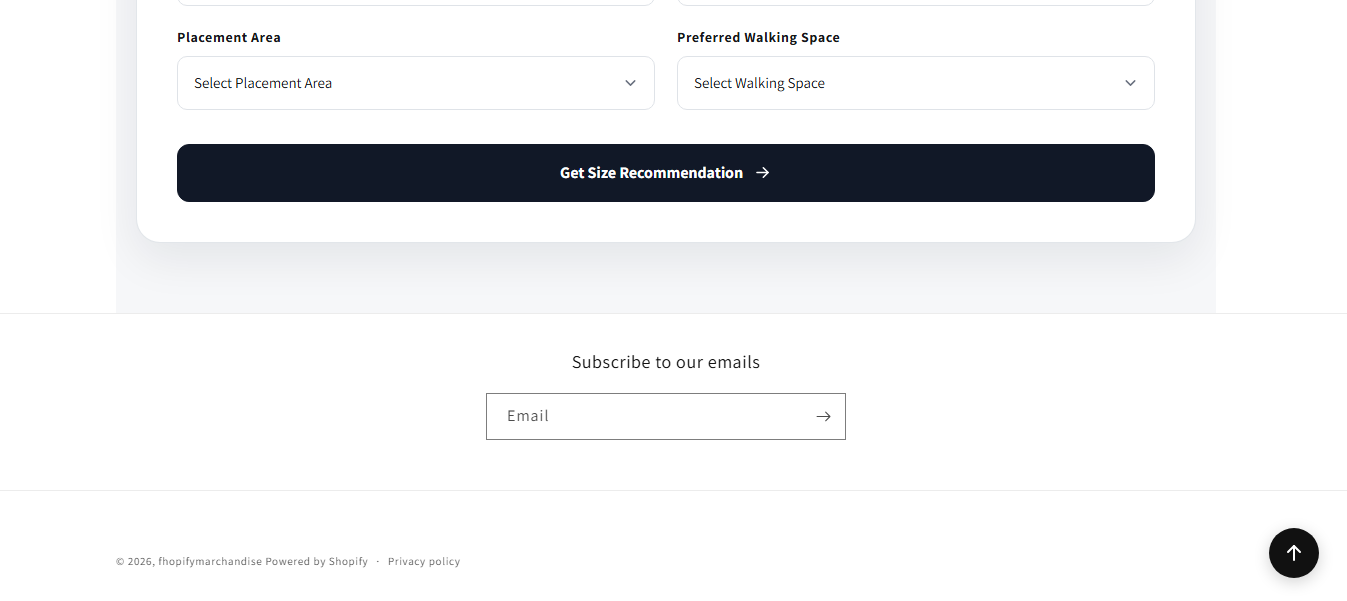
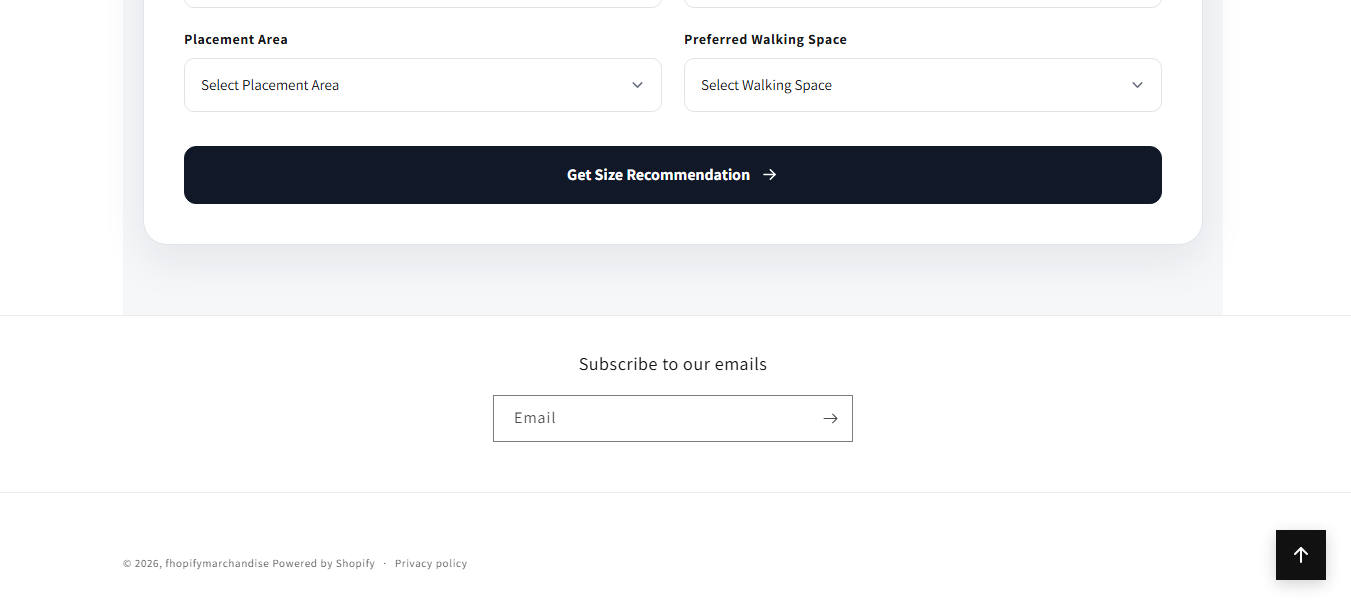
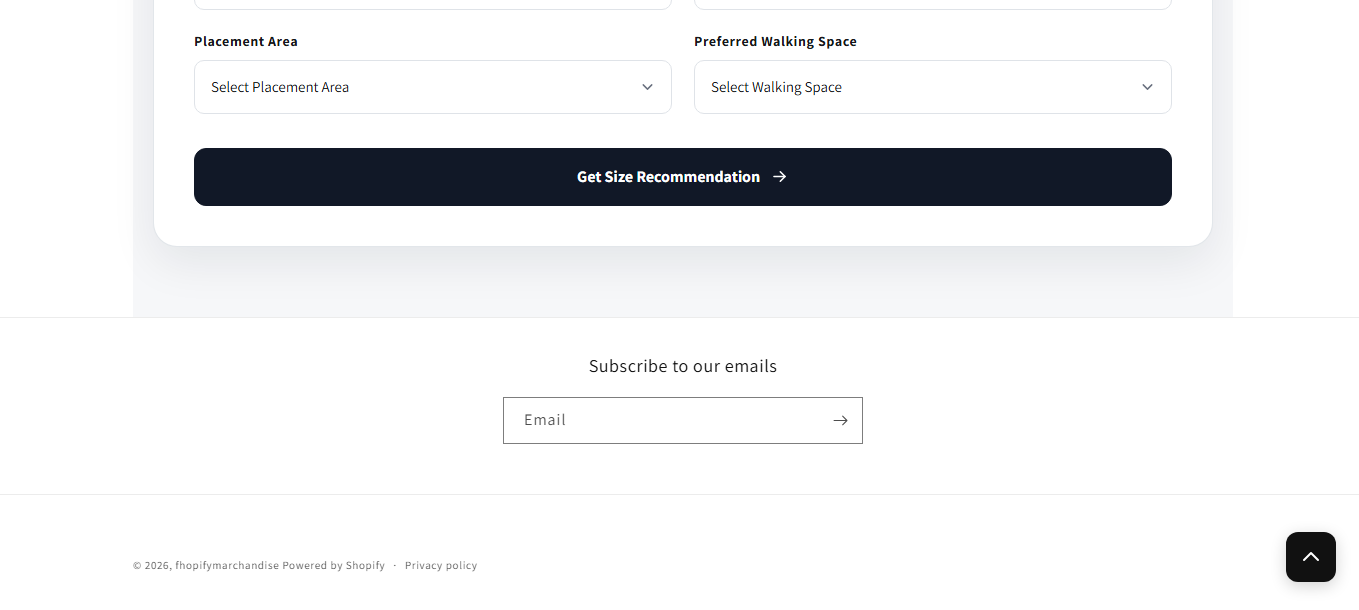
Support Helpline
If you need Support, please message us on WhatsApp. We will give you a response just in one minute. Or mail to us, Amzadhossen420360@gmail.com Or Contact Our Support Website : https://friends2a-technology.com/fhopify/contact-us/
Whatsapp Number: +8801602438393
Website: https://friends2a-technology.com/