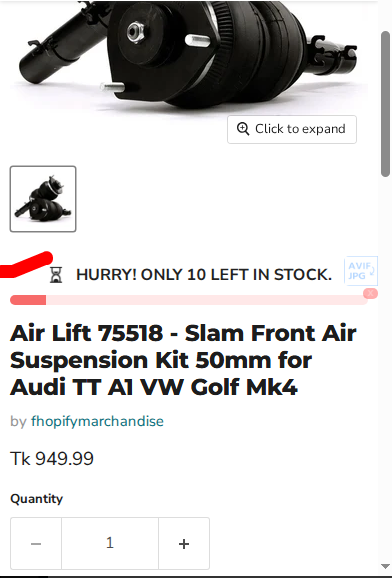

Why This Issue Happens:
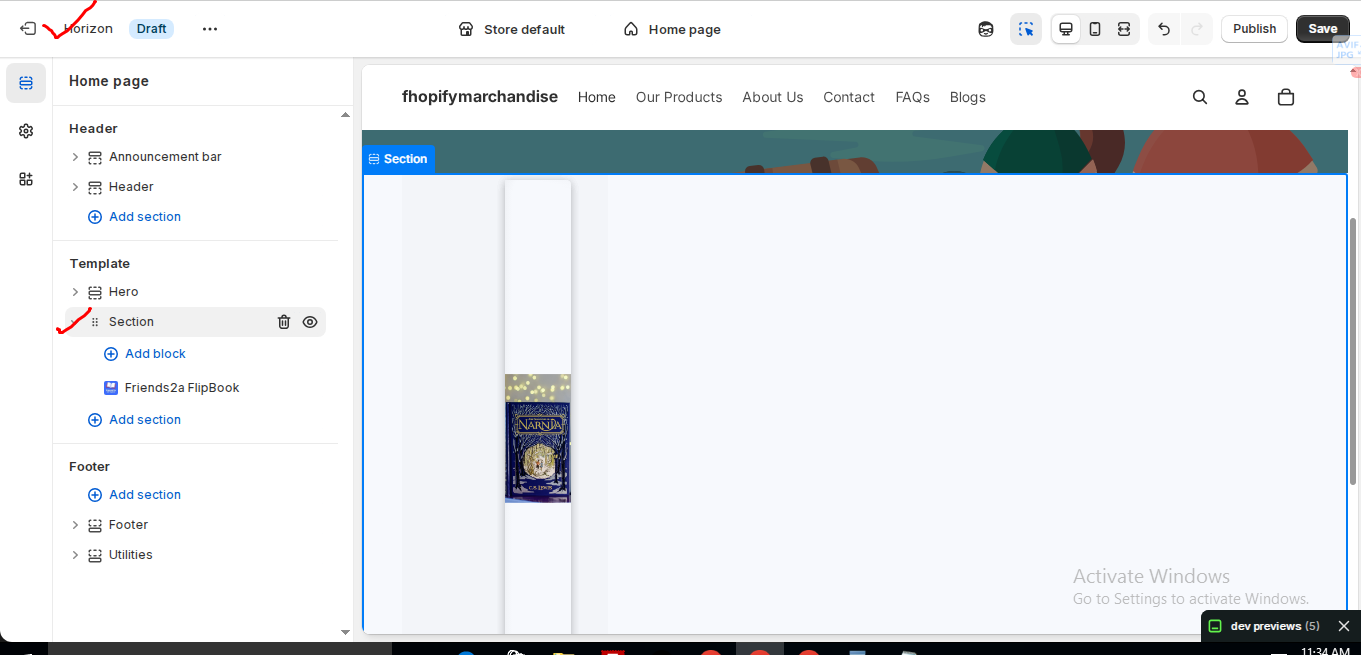
In the Horizon new update theme (and some other Shopify free themes), when you add an app block, it is automatically wrapped inside a Section container.
This Section applies automatic CSS and admin UI styles, which may conflict with the app’s layout. As a result, app content such as FlipBooks or iframe-based apps may appear squeezed, misaligned, or broken.
This is a theme-level layout behavior, not an app bug.
How to Fix the Issue (Solution)
Please follow these steps carefully:
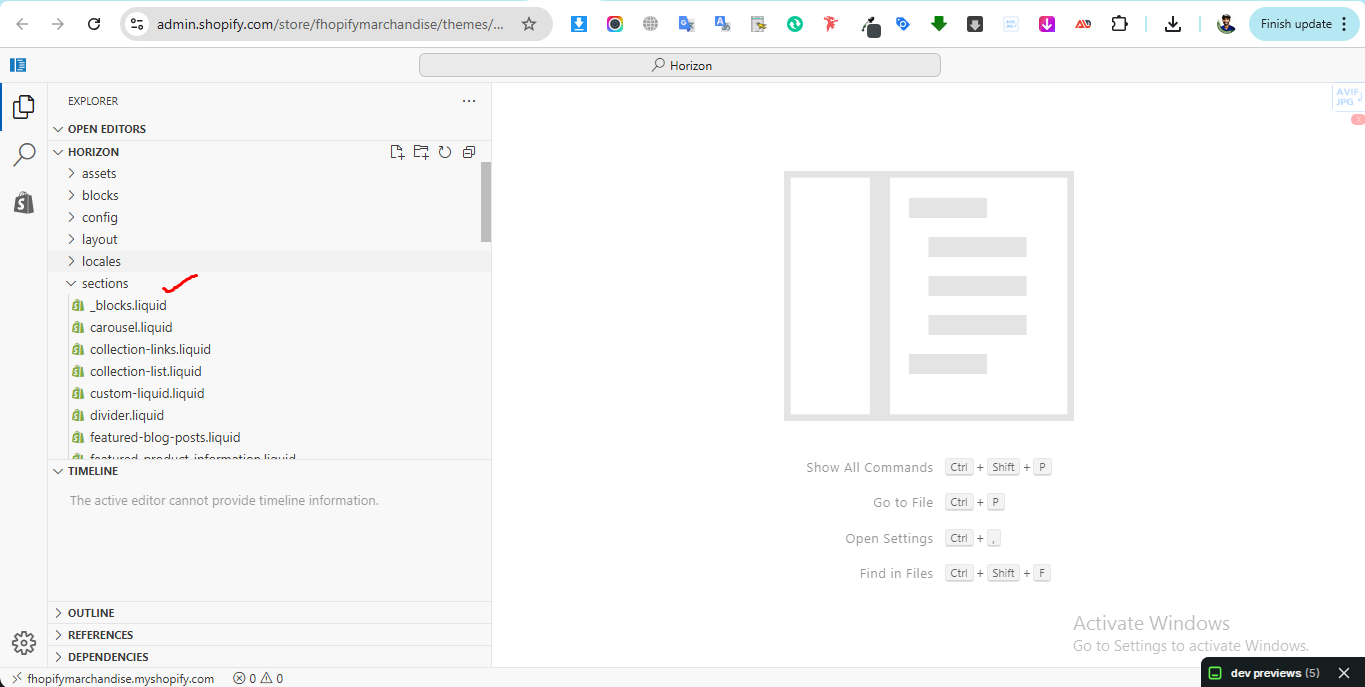
1. Go to Online Store → Themes → Edit code
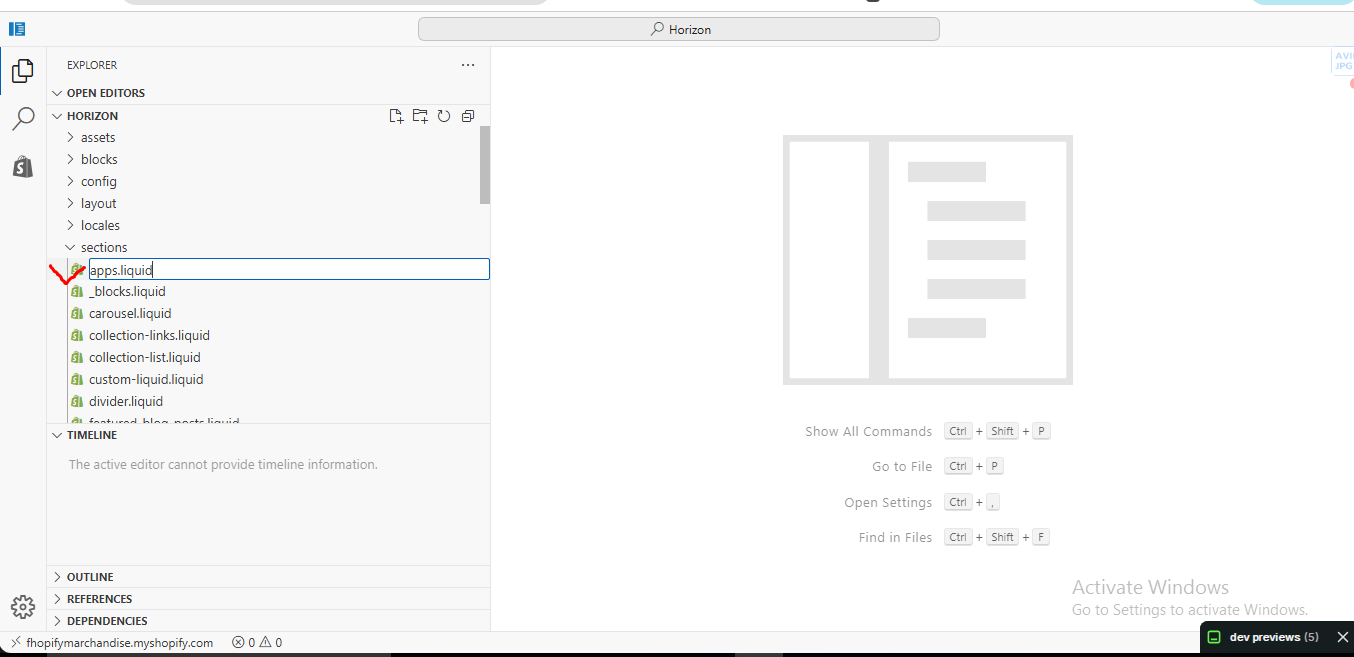
2. Open the Sections folder
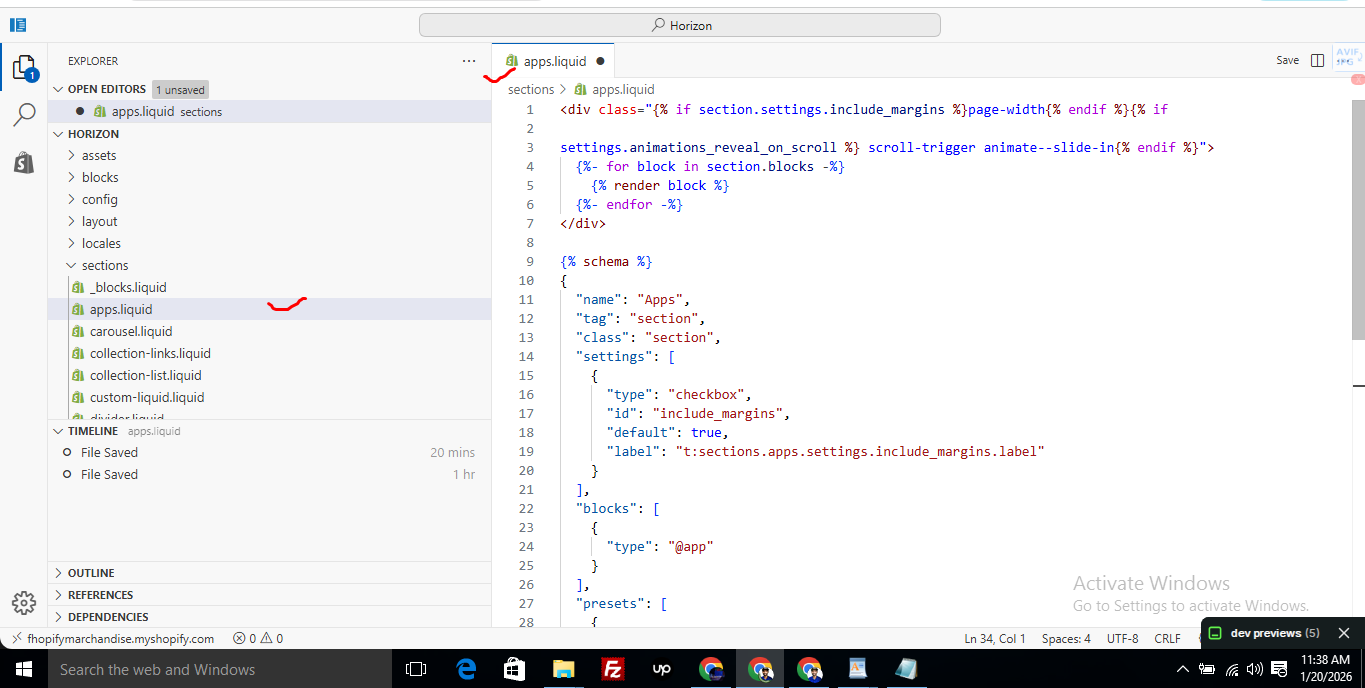
3. Find the file named apps.liquid
– If the file exists, open it and paste the provided code into it
– If the file does not exist, create a new file named apps.liquid and paste the code into it
4. Save the file
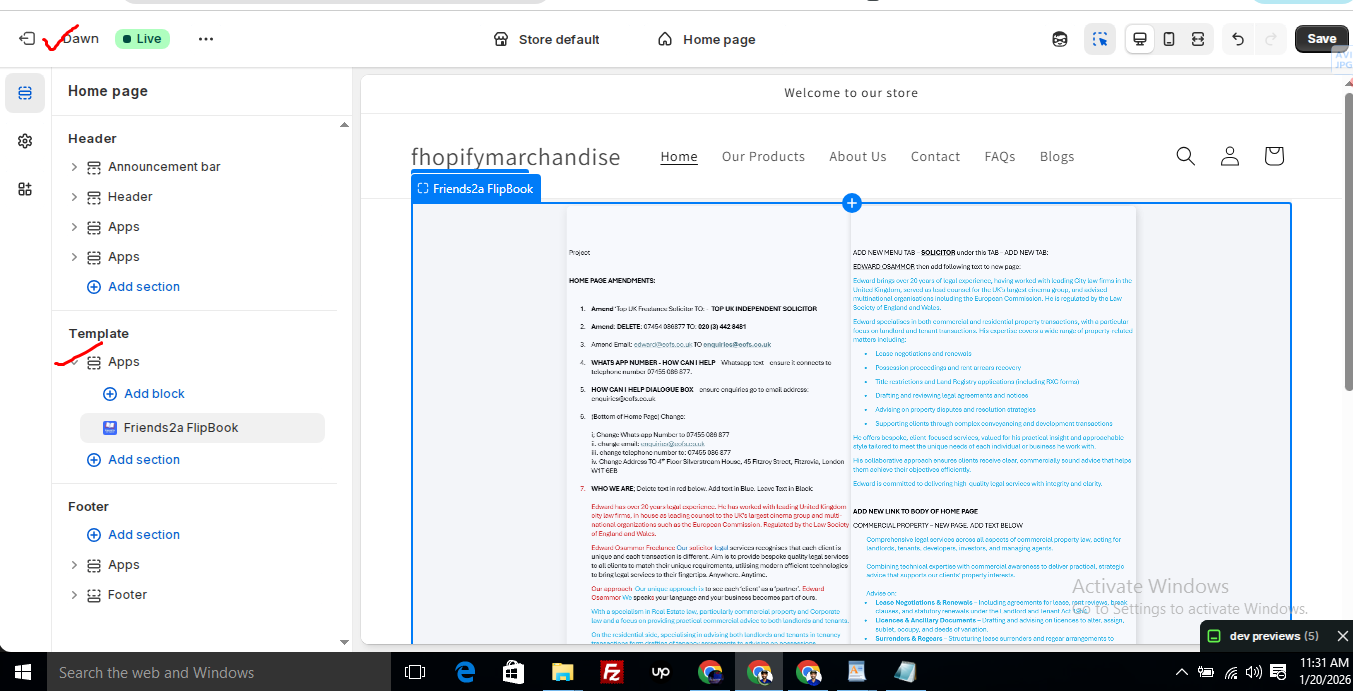
5. Go back to Theme Customization
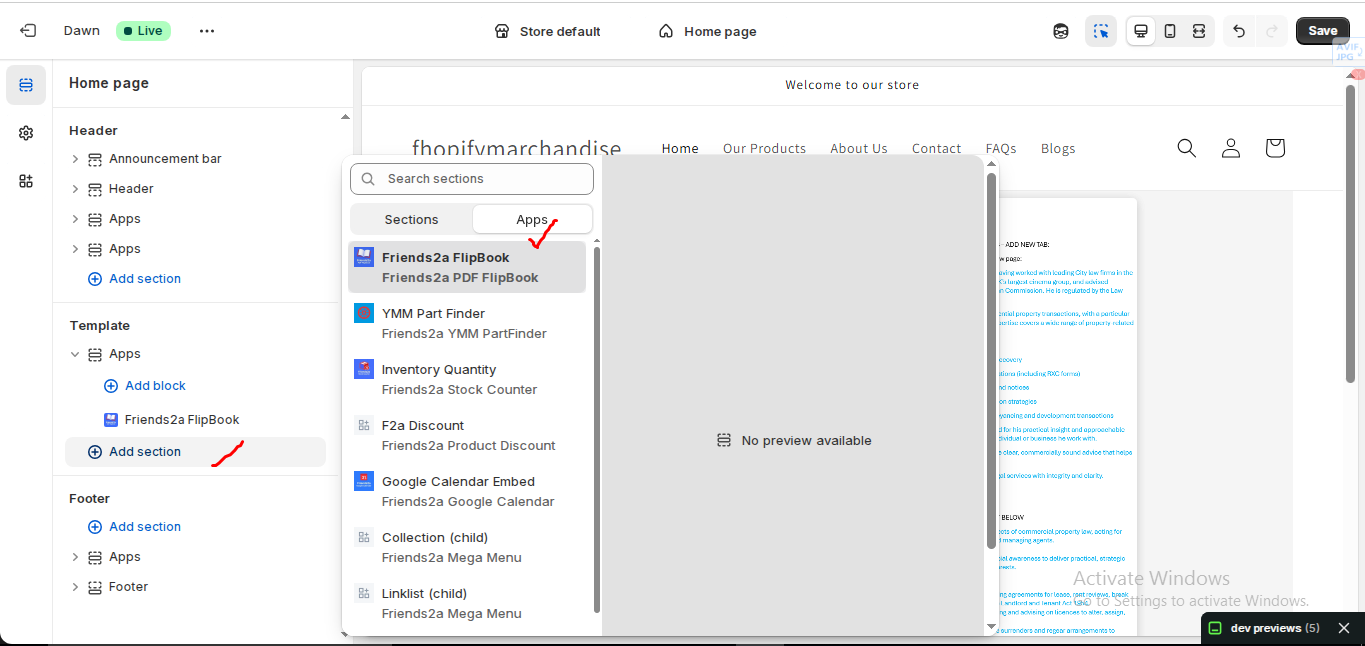
6. Add the app block again
After completing these steps, everything should display correctly.
Summary :
– This issue is related to the Horizon / Shopify free theme layout behavior
– It is not an app bug
– Dawn, Shopify premium themes, and ThemeForest themes work without any issues
– Following the steps above will resolve the problem
If you still face issues after following this guide, please share updated screenshots and we will be happy to assist further.
					<div class="{% if section.settings.include_margins %}page-width{% endif %}">
  {% for block in section.blocks %}
    {% render block %}
  {% endfor %}
</div>

{% schema %}
{
  "name": "Apps",
  "tag": "section",
  "class": "section",
  "settings": [
    {
      "type": "checkbox",
      "id": "include_margins",
      "default": true,
      "label": "Include page margins"
    }
  ],
  "blocks": [
    { "type": "@app" }
  ],
  "presets": [
    { "name": "Apps" }
  ]
}
{% endschema %}
Overview
Friends2a Stock Counter helps merchants display inventory messages on product pages to create urgency and boost conversions.
Installation Steps
1. Install Friends2a Stock Counter from Shopify App Store.
2. Go to Online Store → Themes → Customize.
3. Open a Product page.
4. Click Add block → Inventory Quantity (Friends2a Stock Counter).
5. Place the block near title or price and Save.
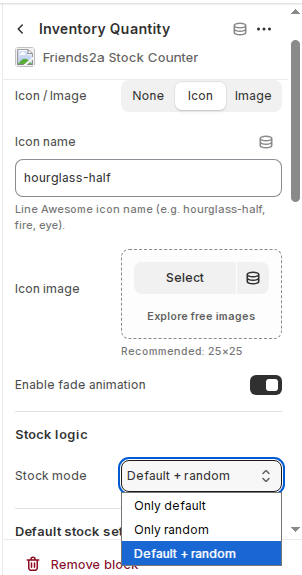
Stock Logic
– Only default: Uses real Shopify inventory.
– Only random: Displays simulated stock.
– Default + random: Combines both.
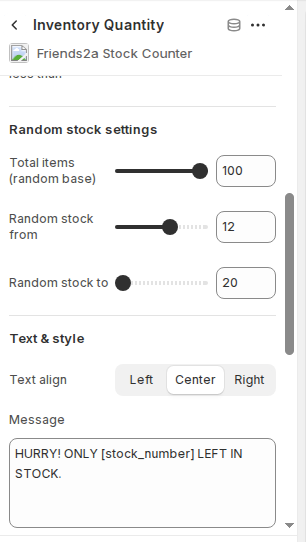
Text Message
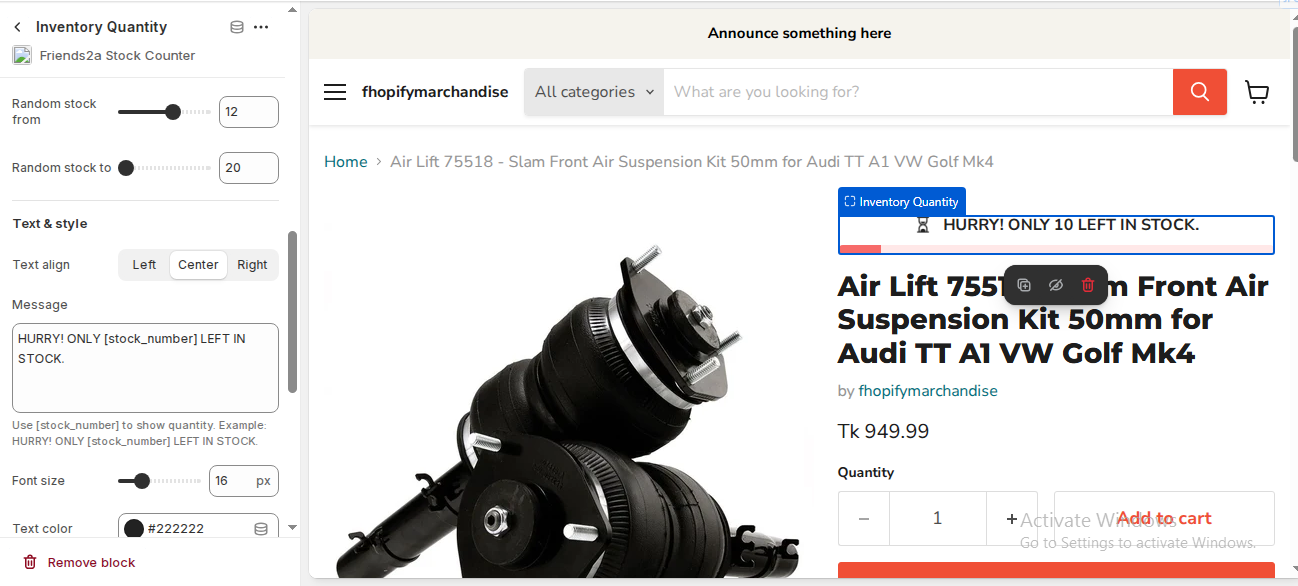
Use [stock_number] to show dynamic quantity.
Example:
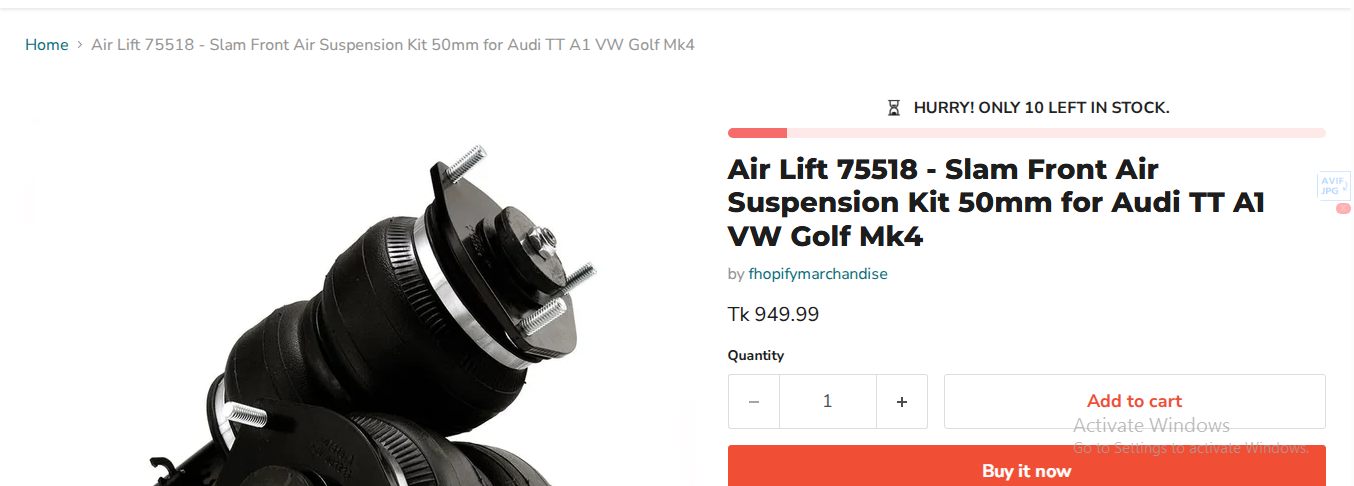
HURRY! ONLY [stock_number] LEFT IN STOCK.
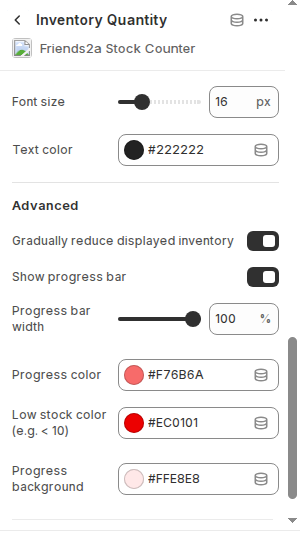
Advanced Options
– Enable fade animation
– Show progress bar
– Customize colors
– Gradually reduce inventory
Best Practices
– Place near Add to Cart
– Use low stock values
– Enable progress bar
Compatibility
– All Shopify themes
– Mobile & desktop
– No coding required
If you need Support, please message us on WhatsApp. We will give you a response just in one minute. Or mail to us, Amzadhossen420360@gmail.com Or Contact Our Support Website : https://friends2a-technology.com/fhopify/contact-us/
Friends2a Stock Counter helps merchants display real-time inventory messages on product pages to create urgency and increase conversions. Show low-stock alerts like “Only X left in stock,” use random stock logic, and customize thresholds easily. The app integrates seamlessly with Shopify product pages, supports icons and animations, and works without any coding. Ideal for boosting trust, urgency, and faster purchase decisions.